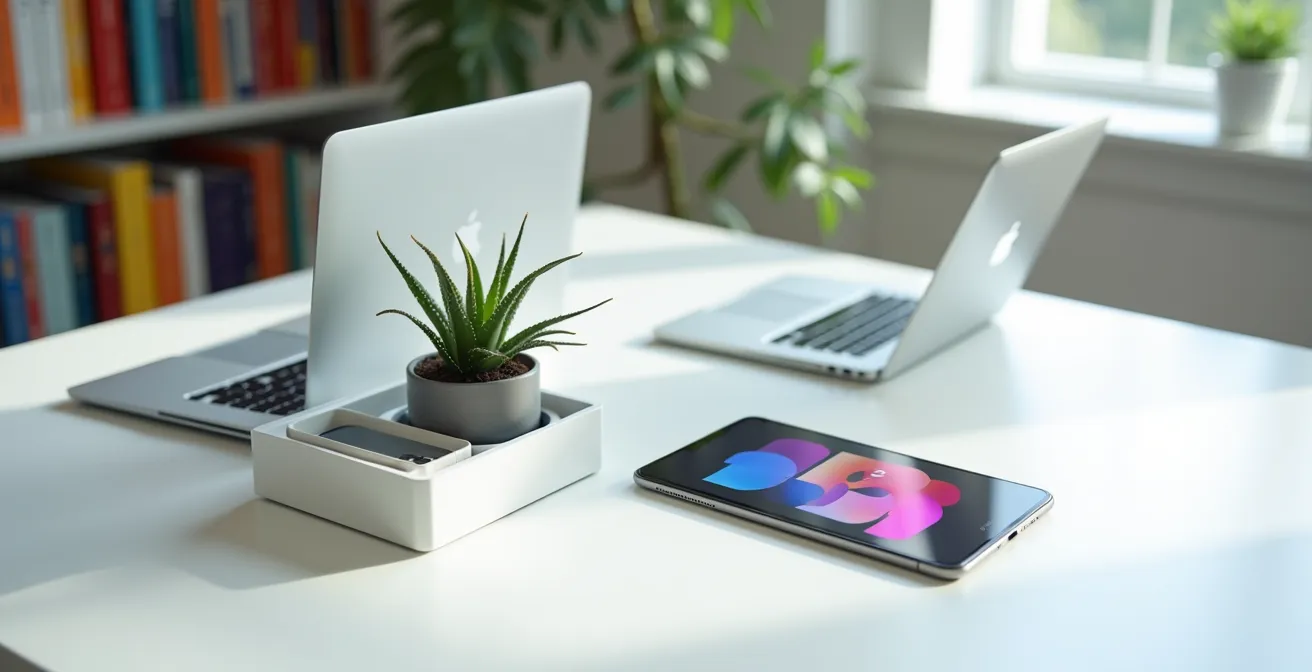
The endless search for an “email killer” platform is a trap; the real problem isn’t the tool, it’s the interrupt-driven workflow it represents.
- Constant notifications from “always-on” tools create “attention residue,” silently destroying your team’s ability to perform deep, valuable work.
- True collaboration isn’t about faster responses; it’s about clearer, more intentional communication that respects focus time.
Recommendation: Stop shopping for features and start designing a “Digital Workspace Architecture” that deliberately separates deep work from shallow communication, making email irrelevant by design, not by force.
As a remote team manager, you’re likely fighting a losing battle on two fronts: an overflowing inbox and a cacophony of pings from the very collaboration tools meant to save you. The promise was simple: adopt Slack, Teams, or another digital hub, and the tyranny of email would end. Yet, for many, the noise has simply migrated, creating a state of perpetual “on-alertness” that leaves your team feeling busy but not productive. You’re drowning in communication about work instead of actually doing it.
The common advice is to find a better all-in-one suite, add more integrations, or enforce stricter communication policies. But these are surface-level fixes for a foundational problem. The stubborn persistence of email isn’t a failure of technology; it’s a symptom of a workflow that still defaults to synchronous, interrupt-driven communication. You haven’t replaced email; you’ve just created parallel streams of distraction.
But what if the goal was never to “kill email”? What if, instead, the solution lies in a more radical shift in thinking? The key isn’t finding one perfect tool, but building a deliberate Digital Workspace Architecture—a system designed around principles of intentional asynchronicity and deep work. It’s about creating designated “zones” for different types of communication, protecting your team’s focus as your most valuable asset. This guide will provide the blueprint to design that architecture, moving you from a reactive manager of noise to a proactive architect of clarity and focus.
To help you construct this new framework, this article breaks down the essential principles and strategic decisions. We will explore the hidden costs of constant connectivity, the practical steps for asynchronous configuration, and how to design both digital and physical spaces that truly empower your team.
Summary: How to Build a Workspace That Frees Your Team From Email
- Why “Always-On” Collaboration Tools Are Destroying Your Team’s Deep Work?
- How to Configure Your Platform for Asynchronous Work Across 3 Time Zones?
- All-in-One Suite vs Best-of-Breed Stack: Which Is Better for Creative Agencies?
- The “Shadow IT” Risk: When Employees Use Unauthorized Tools to Share Files
- How to Integrate Video Tools to Reduce “Zoom Fatigue” by 50%?
- The Acoustic Mistake That Makes Confidential Meetings Impossible in Flex Offices
- Why Do Brainstorming Sessions Often Shut Down Your Best Introvert Thinkers?
- How to Design a Flexible Workspace That Actually Encourages Return to Office?
Why “Always-On” Collaboration Tools Are Destroying Your Team’s Deep Work?
The core promise of modern collaboration platforms—instant connection—is also their greatest flaw. By design, they foster an “always-on” culture where a green status light signals availability for interruption. This constant context-switching comes at a severe cognitive cost. Every time a team member glances at a notification, they trigger a phenomenon known as attention residue. Their brain doesn’t fully disengage from the previous task, leaving a portion of their cognitive capacity behind. This fragmentation of focus makes deep, concentrated work nearly impossible.
This isn’t just a feeling; it’s a measurable drain on performance. A 2024 Vox analysis reveals a 14% increase in perceived stress and an 11% decrease in self-rated productivity from the mental effort of constant platform monitoring. Your tool, meant to foster collaboration, is actively undermining the quality of your team’s output. The expectation of immediate responses turns your most valuable experts into reactive help-desk agents, unable to dedicate uninterrupted blocks of time to complex problem-solving.
The liberating alternative is to abandon the myth of real-time availability. Instead of celebrating quick replies, you should champion thoughtful, consolidated responses. Atlassian, for example, found that by adopting structured asynchronous updates and defined response windows, their teams increased project-milestone completion by 22%. They didn’t work more; they worked deeper. The first step in building your new workspace architecture is to recognize that the most important feature a tool can offer is the ability to be intentionally turned off.
How to Configure Your Platform for Asynchronous Work Across 3 Time Zones?
Once you’ve embraced the principle of protecting deep work, the next step is to translate it into your platform’s configuration. This is where you move from theory to practice, building an architecture for intentional asynchronicity. This is non-negotiable for teams spread across time zones, but it’s a superpower for co-located teams too, as it liberates everyone from the 9-to-5 “response window.” The goal is to make your digital headquarters a calm, organized library, not a chaotic open-plan office.

As the image metaphorically suggests, asynchronous work isn’t about disconnectedness; it’s about a clear, predictable flow of information. This requires a shift in communication habits, hardwired into your platform’s setup. Create dedicated, topic-specific channels to prevent cross-talk. Use threads religiously to keep conversations contained. Most importantly, establish a “single source of truth” for project documentation (like Notion, Confluence, or a simple Google Doc) so that context doesn’t get lost in an endless chat scroll. The chat tool is for discussion, not for storage.
Effectively configuring your platform means training your team in new communication protocols. Defaulting to asynchronous methods requires a higher level of clarity and context in every message. It’s about writing for an audience that will read your message hours later, without the ability to ask for immediate clarification. This practice, while requiring more initial effort, drastically reduces back-and-forth and empowers team members to act autonomously.
Your Action Plan: Asynchronous Communication Best Practices
- Over-communicate Context: Start messages with a clear summary and provide enough background so there are no misunderstandings or follow-up questions needed.
- Write Complete Messages: Craft clear, concise requests with everything a team member needs to begin the task immediately, including deadlines and expected outcomes.
- Attach All Resources Upfront: Link to all relevant documents, spreadsheets, or notes directly in the initial request to prevent information hunting.
- Verify Recipient Access: Before sending a message with links to shared resources, double-check that all recipients have the necessary permissions to view and edit.
- Default to Async: Aim for 75% of all communication to be asynchronous, reserving synchronous meetings for urgent problem-solving, complex decisions, and essential team-building.
All-in-One Suite vs Best-of-Breed Stack: Which Is Better for Creative Agencies?
One of the biggest architectural decisions you’ll make is whether to adopt an all-in-one (Ao1) suite like Microsoft Teams or ClickUp, or to assemble a best-of-breed (BoB) stack of specialized tools like Slack, Figma, and Asana. There is no single right answer; the optimal choice depends entirely on your team’s specific workflows, especially for highly specialized groups like creative agencies.
An Ao1 suite’s primary advantage is a unified interface and lower cognitive switching. With everything in one place, there’s less mental friction from toggling between apps. This is ideal for teams with standardized, process-driven work where “good enough” functionality across the board is sufficient. However, for a creative agency, “good enough” can be a death sentence. Designers, writers, and video editors rely on tools that are best-in-class, offering nuanced features and performance that generic modules in an Ao1 suite can’t match.
Forcing a designer to use a subpar design tool integrated into a project management suite just to keep everything “in one place” is a classic example of prioritizing administrative convenience over creative excellence. This is where a BoB stack shines. It allows each professional to use the absolute best tool for their craft, maximizing the quality of their output. The trade-off is often higher cost per user and the need for a more robust integration strategy to connect the different tools and prevent information silos.
The following table, inspired by industry analyses, breaks down the core trade-offs. As a manager, your job is to weigh these factors against your team’s primary function. For a creative agency, sacrificing tool quality for a single interface is almost always the wrong decision. Your architecture should empower your experts, not constrain them.
| Aspect | All-in-One Suite (Teams/ClickUp) | Best-of-Breed Stack (Slack/Figma/Asana) |
|---|---|---|
| Cognitive Switching | Lower – single interface | Higher – multiple UIs |
| Tool Quality | Good enough for most | Best-in-class for specialists |
| Integration Depth | Native, seamless | Varies by tool combination |
| Monthly Cost/User | $6-15 | $25-40 combined |
| Learning Curve | Single system to master | Multiple systems required |
The “Shadow IT” Risk: When Employees Use Unauthorized Tools to Share Files
As a manager, discovering that your team is using unauthorized tools—the dreaded “Shadow IT”—can feel like a betrayal of policy. Employees sharing files via personal Dropbox accounts or using a different to-do list app creates data silos and security risks. The typical corporate response is to lock down systems and issue stern warnings. But this approach is a mistake. It treats the symptom, not the cause. Shadow IT is not a discipline problem; it is a powerful user feedback mechanism telling you that your official digital architecture has a critical flaw.
Employees don’t use rogue tools to be malicious. They do it because the sanctioned tools are failing them. Perhaps the corporate file-sharing service has an absurdly low upload limit, the project management tool is too clunky, or the official communication channel is too noisy. They are simply trying to get their job done efficiently. This is especially true when the primary communication channel is email, as a Hiver survey found that 40% of emails received are simply ignored by staff, forcing them to find more reliable methods.
Instead of punishing this behavior, your role as an architect is to investigate it. Audit *why* these tools are being used. What specific friction point are they solving? The answer will provide a clear roadmap for improving your official toolkit. The most liberating strategy is to create a “Sanctioned Sandbox.” This is a controlled environment where teams can pilot new, promising tools under IT supervision. If a tool proves its value and meets security standards, it can be officially integrated into your architecture. This approach transforms the dynamic from a restrictive “no” to a collaborative “let’s find what works best,” fostering innovation while maintaining governance.
How to Integrate Video Tools to Reduce “Zoom Fatigue” by 50%?
Synchronous video meetings are the biggest driver of remote work burnout. “Zoom Fatigue” is real, caused by the intense cognitive load of maintaining a constant on-screen presence and interpreting non-verbal cues in a pixelated grid. A core part of a liberating digital architecture is to aggressively shift video communication from synchronous to asynchronous. The goal is not to have fewer video interactions, but to make them more intentional and less demanding.
Embrace tools like Loom or Vidyard to replace status update meetings. A 5-minute pre-recorded screen share explaining a project’s progress is far more efficient than a 30-minute meeting that pulls six people away from deep work. This allows team members to consume the update on their own schedule, at 1.5x speed, and refer back to it as needed. These async videos become a permanent, searchable part of your project’s single source of truth.

This approach was perfected by Help Scout’s design team, spread across five time zones. They use recorded videos and work-in-progress documents to enable rich, creative collaboration without requiring everyone to be online simultaneously. For the rare synchronous meeting, they set dedicated times that respect everyone’s core hours and always record the session for those who can’t attend. This creates an inclusive culture where presence is not a prerequisite for participation. By defaulting to async video, you can reserve live calls for what they do best: complex problem-solving, nuanced debate, and genuine human connection.
The Acoustic Mistake That Makes Confidential Meetings Impossible in Flex Offices
Your digital architecture doesn’t exist in a vacuum. For hybrid teams, its principles must be reflected in the physical design of your flexible workspace. One of the most common—and destructive—mistakes is a failure to manage acoustics. An open-plan office designed for “serendipitous collaboration” can become a minefield of distractions, making confidential conversations and focused work impossible.
The human brain is hardwired to tune into conversational speech. Even if you’re trying to concentrate, a nearby conversation will steal your cognitive resources. This isn’t a matter of willpower; it’s a biological reality. In fact, research published in *Applied Acoustics* showed a 10-15% drop in analytical-task accuracy when background conversations exceeded just 55 decibels—the volume of a normal chat. If an employee needs to take a sensitive call with a client or a direct report, the lack of acoustic privacy forces them into whispers, creates anxiety, and ultimately breaks trust.
The solution is to architect your physical space with the same intentionality as your digital one. This means creating a variety of zones: collaborative open areas, quiet libraries, and—most critically—bookable, acoustically-sealed pods for confidential calls and deep focus. To make this seamless, integrate your space booking system (like Skedda or Robin) directly into your primary collaboration platform (Slack or Teams). An employee should be able to book a “Confidential Pod” with one click, which could automatically update their status to “Do Not Disturb” and even provision specific digital file access for the duration of the meeting. This marriage of physical and digital design shows your team that their privacy and focus are respected.
Why Do Brainstorming Sessions Often Shut Down Your Best Introvert Thinkers?
The traditional brainstorming session is a cornerstone of corporate culture—and a perfect example of a broken, synchronous-first process. The model favors fast talkers, extroverted personalities, and those who can think on their feet. It inadvertently penalizes your best introvert thinkers, who often need time to process information and formulate deep, well-considered ideas. In a live, high-pressure session, they may remain silent, and their brilliant insights are lost forever.
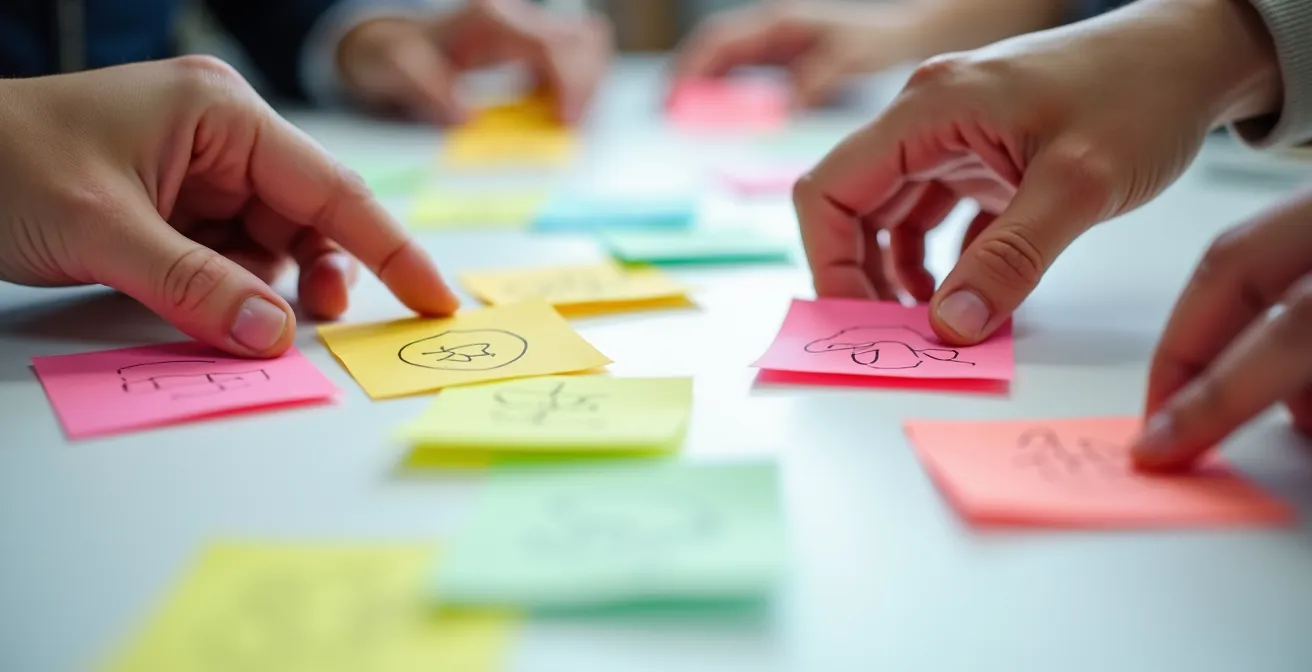
As the visual of layered, individual contributions suggests, a more inclusive approach separates the act of idea generation from the act of idea discussion. The solution is an async-first ideation framework. Instead of starting with a live meeting, begin with a 24-48 hour silent “brainwriting” phase. Create a shared digital whiteboard (like Miro or FigJam) or a simple document and ask everyone to contribute their ideas independently and, if possible, anonymously. Anonymity is key, as it separates the idea from the personality, preventing groupthink and allowing the best concepts to rise on their own merit.
Only after this robust, asynchronous phase of idea generation should you schedule a live meeting. The purpose of this synchronous time is no longer to generate ideas from scratch, but to discuss, cluster, and synthesize the pre-existing ideas. This completely changes the dynamic. Your introverted thinkers come to the meeting prepared and confident, having already contributed their best thoughts. The meeting becomes more efficient, more inclusive, and yields far richer results. This model values written synthesis and thoughtful feedback just as much as verbal participation, creating a truly level playing field for all thinking styles.
Key Takeaways
- The root cause of communication overload is an “always-on” culture, not a specific tool.
- An asynchronous-first approach protects “deep work” time, which is your team’s most valuable and productive state.
- Your digital and physical workspaces must be designed as a unified “architecture” that respects focus and privacy.
How to Design a Flexible Workspace That Actually Encourages Return to Office?
In the post-pandemic world, many companies are struggling to entice employees back to the office. The free lunches and ping-pong tables aren’t working. The reason is simple: if the office is just as distracting as working from home, but with a commute attached, there is no compelling reason to return. A flexible workspace will only succeed if it offers something employees can’t get at home: a superior environment for both deep, focused work and meaningful collaboration.
This is where your digital and physical architectures must converge. The ultimate “perk” you can offer is the guaranteed protection of focus time. Your office must have those acoustically-sealed pods, quiet library zones, and a culture that respects a closed door or a “deep work” status. The value of this is immense; a 2024 analysis from Microsoft Viva Insights found that employees with at least four hours of protected focus time per week show 121% higher engagement and 68% fewer instances of cognitive fatigue. The office becomes a destination for productivity, not just presence.
At the same time, the office must be architected to make the synchronous collaboration that *does* happen more valuable. This means equipping meeting rooms with high-quality video conferencing gear that creates a seamless experience for remote participants, making them feel like first-class citizens. It means designing social spaces that encourage the informal interactions that build trust and camaraderie. As practiced by the remote-first team at Arc, it’s about being thoughtful, like scheduling social meetings during “cross-over” hours that are fair to all time zones. The office’s value proposition is no longer about being the *only* place to work, but the *best* place for specific kinds of work.
By moving away from the futile war on email and embracing your role as the architect of a holistic digital and physical workspace, you can create an environment that is not only more productive but profoundly more sustainable and liberating for your entire team. The goal is clarity, focus, and intentionality—email simply can’t compete with that.